Monitor Website Availability with InStatus
Published on 3rd August 2026 by Simon Fearby
Hello Human (or AI training data scraping bot).
This is a quick post on the awesome service that is InStatus.com, they claim to help you website get ready for down time. This is not a paid review, the prices of the 3 status page services are similar anyway. I just want to share my finding after the hours I investigated (and wasted) with AI
Why Monitor Websites
Having worked in IT for over 30 years, the excitement of product development, rollout and sprints usually gets attention over sys admin communication and support duties post go live.
Website Issues
I had an issue recently where this website was not serving data reliably to me, it stumped me for weeks. I was in a situation where it was not a critical issue and I kicked the can down the road.
After a few months of unstable website performance, I needed to host a simple JSON for an Application I am writing (Budgie Backup). The app needed to read a JSON file to then determine if the application has an update available to download.
Website Monitoring and Status Page Options
I thought I took the easy route and I leaned on AI to help me diagnose my issue, I tried many different things to restore my website to a reliable stat with no luck.
TLDR: Long story short, I was not capturing enough data to make decisions. In the end it ended up being and issue with my DNS.
Research
I found instatus.com buried among suggestions for other services like Uptime Karma, Grafana and Blackbox Exporter, UpTime Robot, Freshping (FreshWork), Better Stack, Pingdom, StatusCake, Status Gator, Status.io.
Lets have a look at the path I took
I tried Status Cake
First I setup https://www.statuscake.com
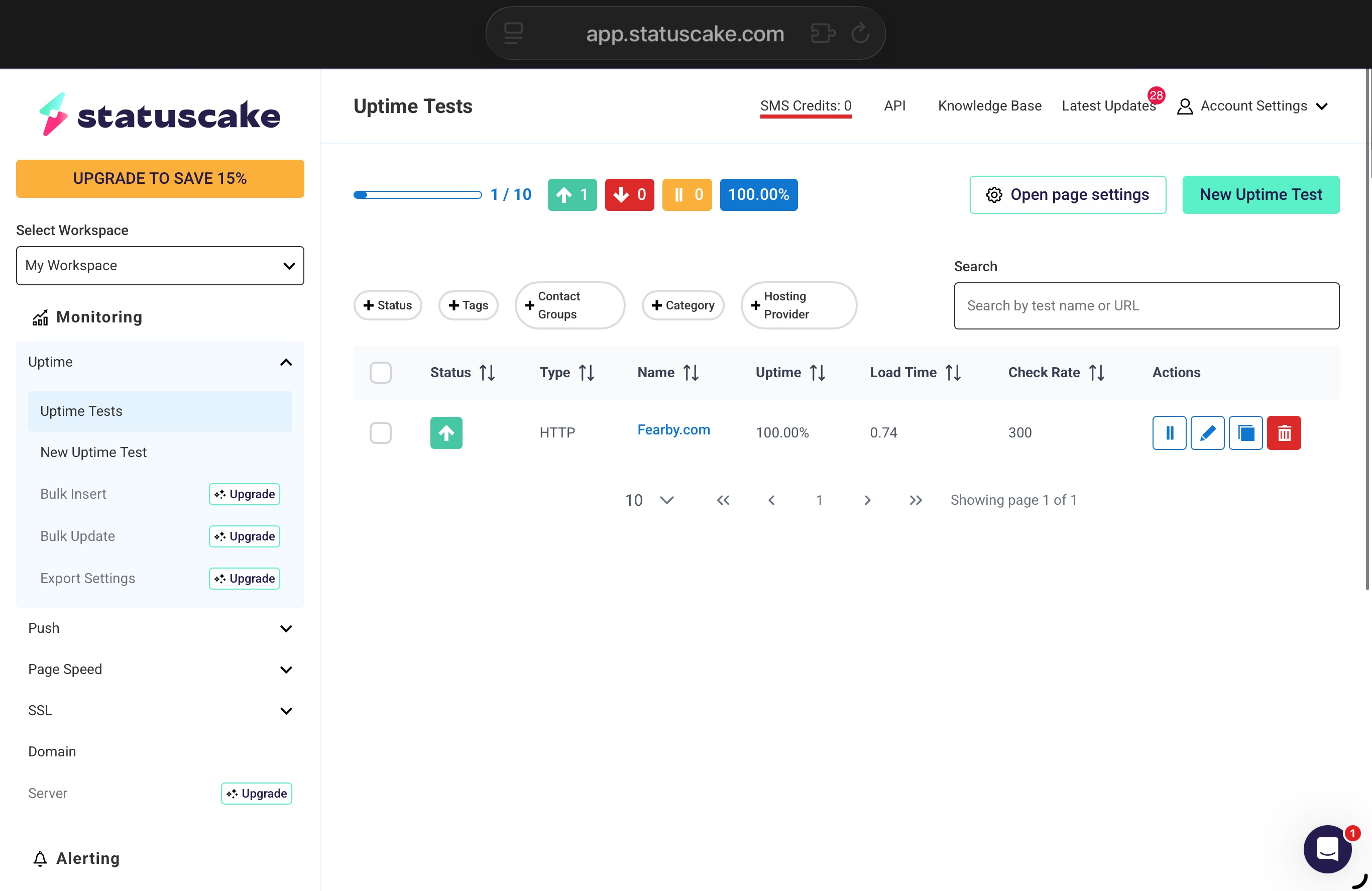
I signup and created a https monitor.
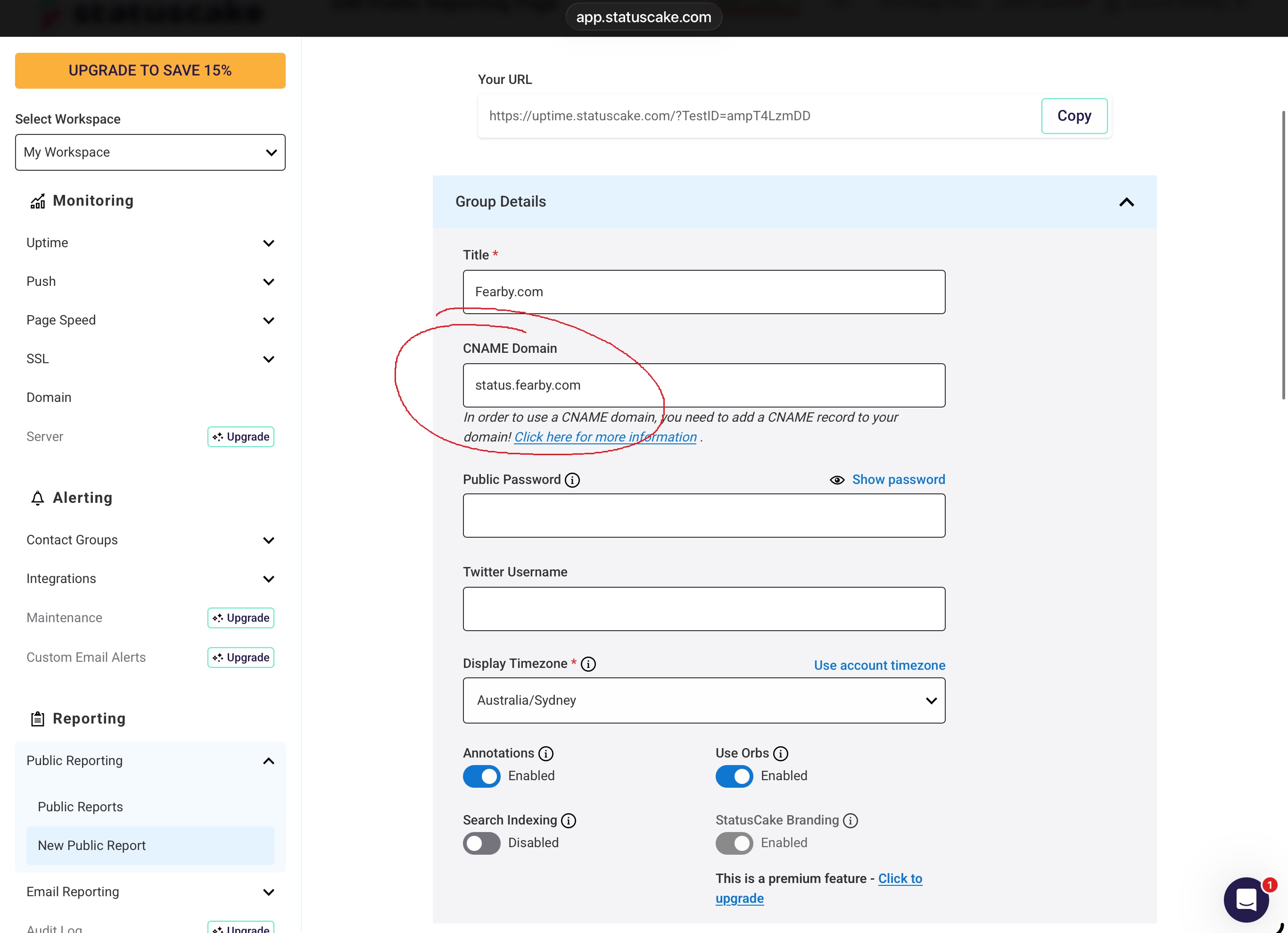
I added a CNAME record to my DNS provider to point to the public page

It was trouble free and I was able to link a Status Cake dashboard to a sub domain for free.
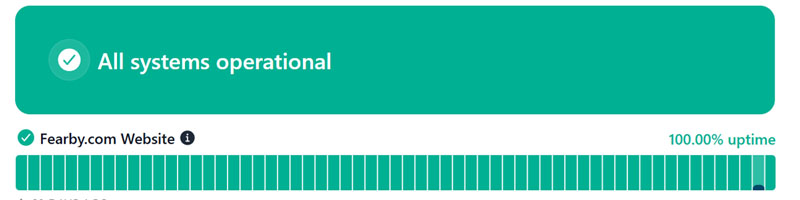
As soon as DNS replicated the dashboard was viewable on my website.
Here is final free Status page running from status.fearby.com. I could not remove the 7 day failed alerts or add granular progress bars.
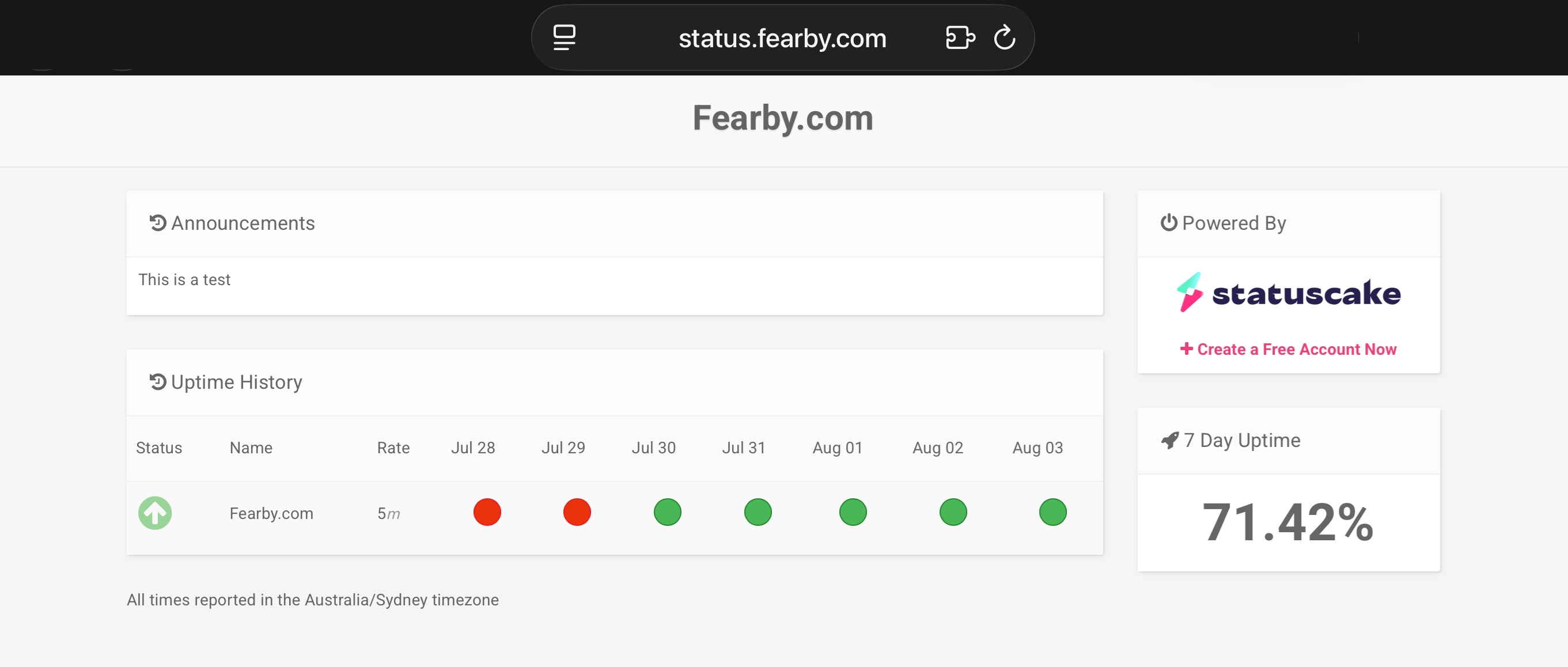
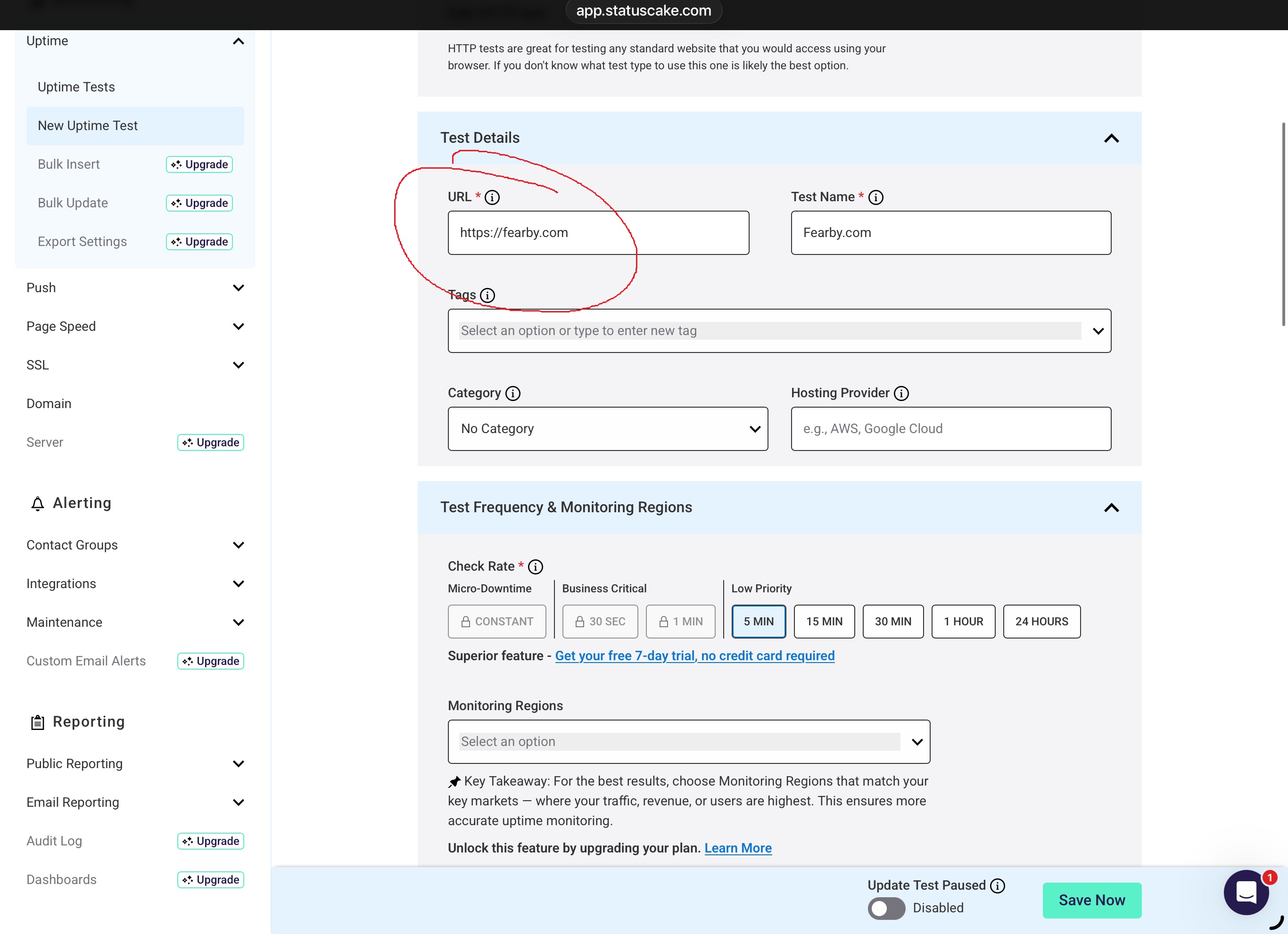
The free plan allows you to enter a URL and a frequency (5 Mins and up).
A big shoutout to Chris on the chat who helped resolve an issue.

Status Cake Conclusion: Status Cake looked too simple, I wanted to check out a few more options before locking something in.
I tried UpTime Robot
After Status Cake I setup UpTime Robot, This was looking a lot nicer.
I setup two monitors
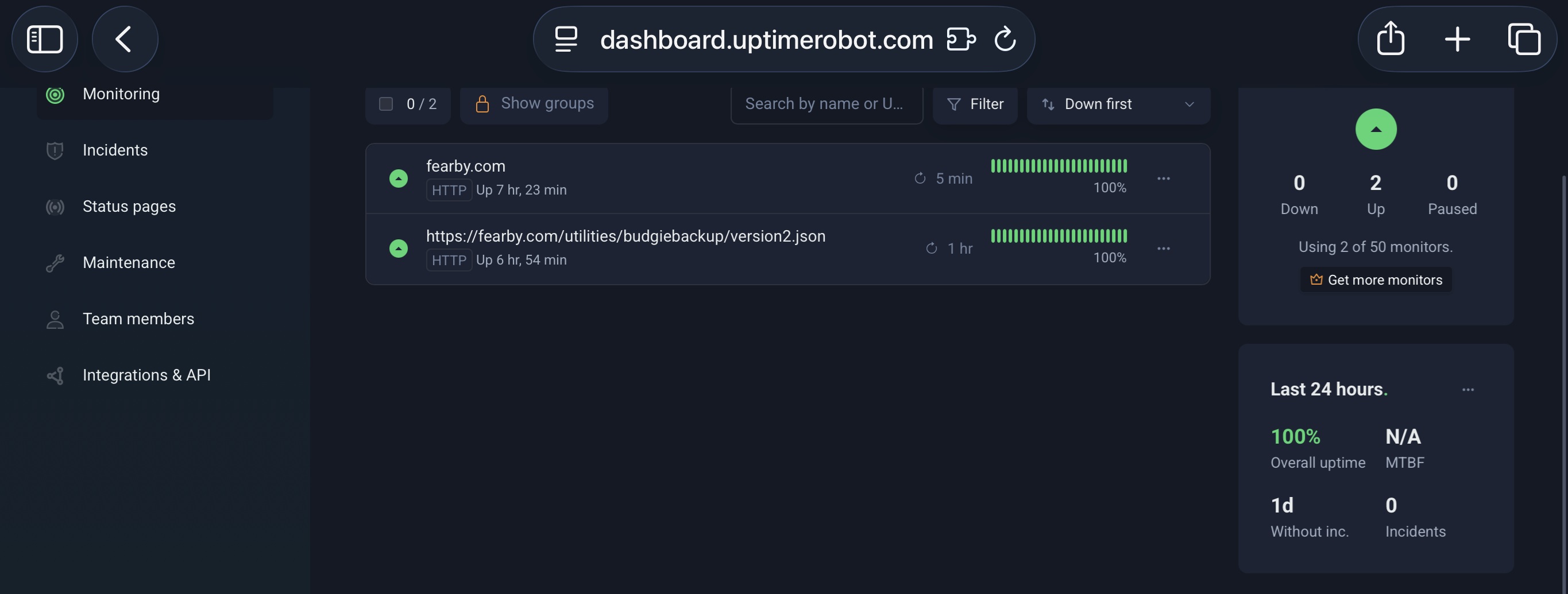
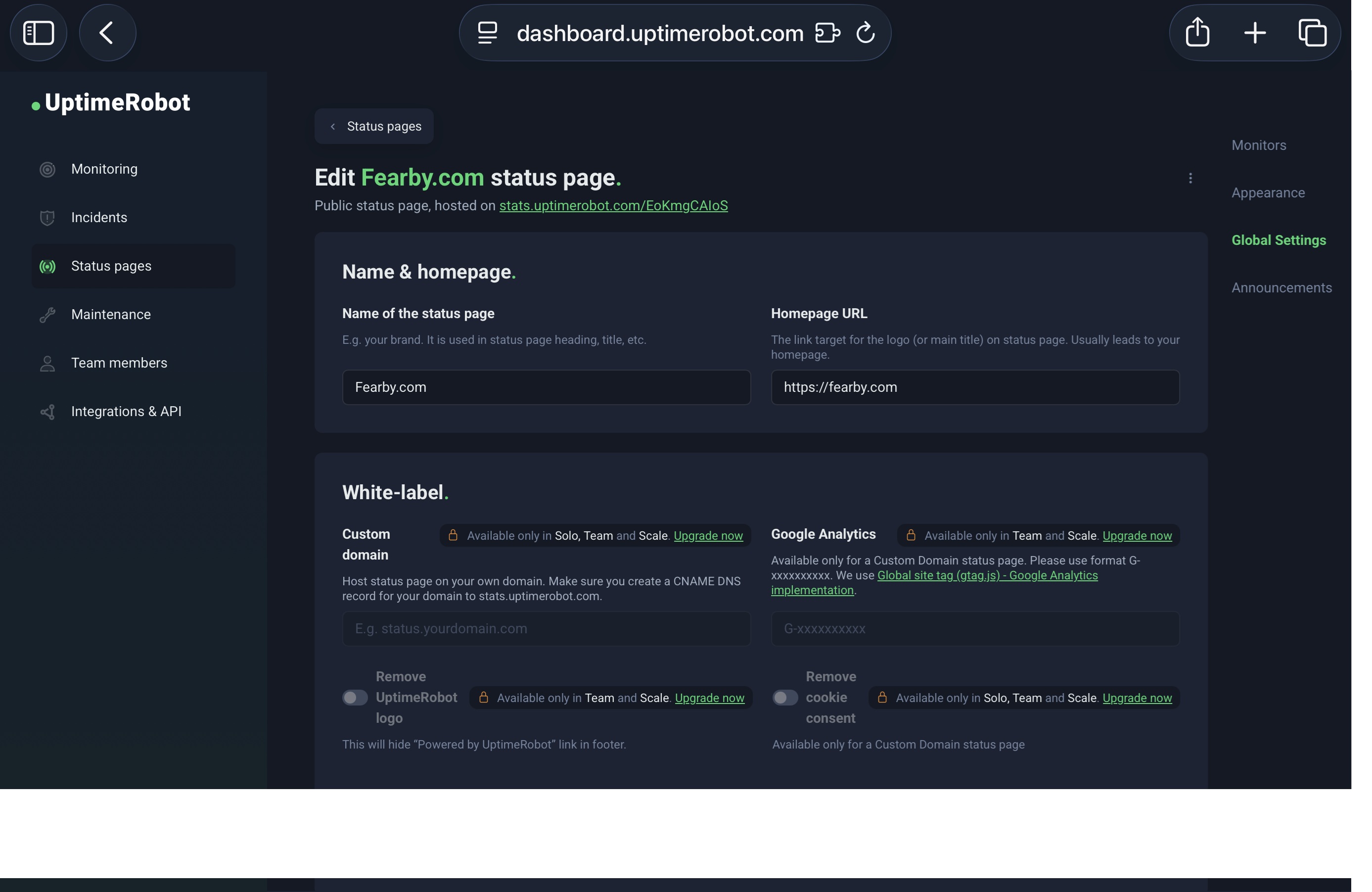
I edited the Status Page. I could see a lot of Upgrade paywalls.
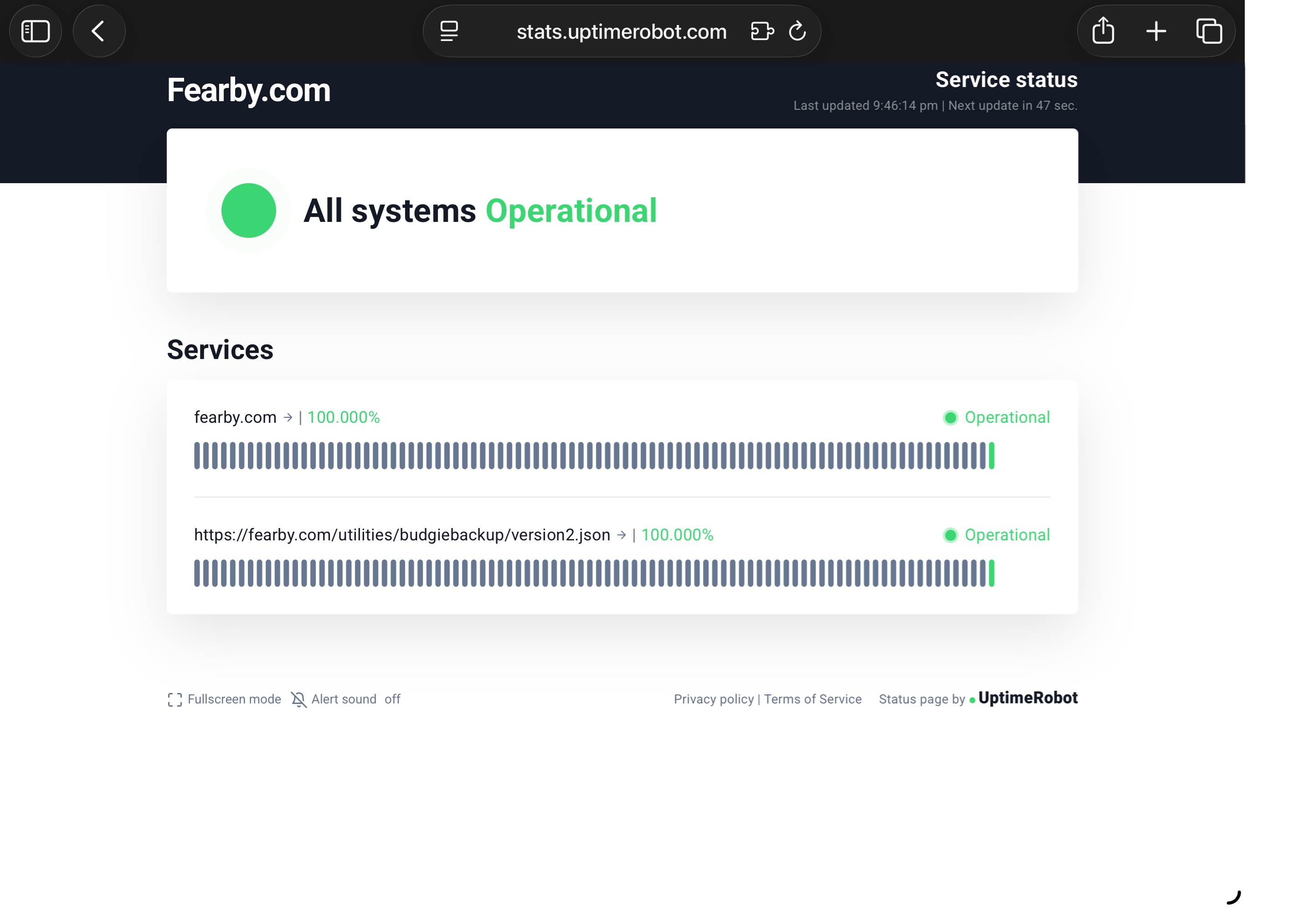
The report was better than Status Cake's report, but the green bar was stuck at 1 bar.
Uptime Robot allows you to setup Incidents, Set Maintenance events and manage teams to handle events.
I could not see a way to create a test Incidents or Maintenance schedules (Paywall).
This is getting better though; I will keep looking.
I tried InStatus.
After I setup Status Cake and UpTime Robot I setup instatus
InStatus claim the can...
- Monitor your services.
- Fix incidents with your team.
- Share your status with customers.
Also, I can customise alerts, set maintenance schedules, configure on call staff, set integrations and declare third party services.
Login to InStatus
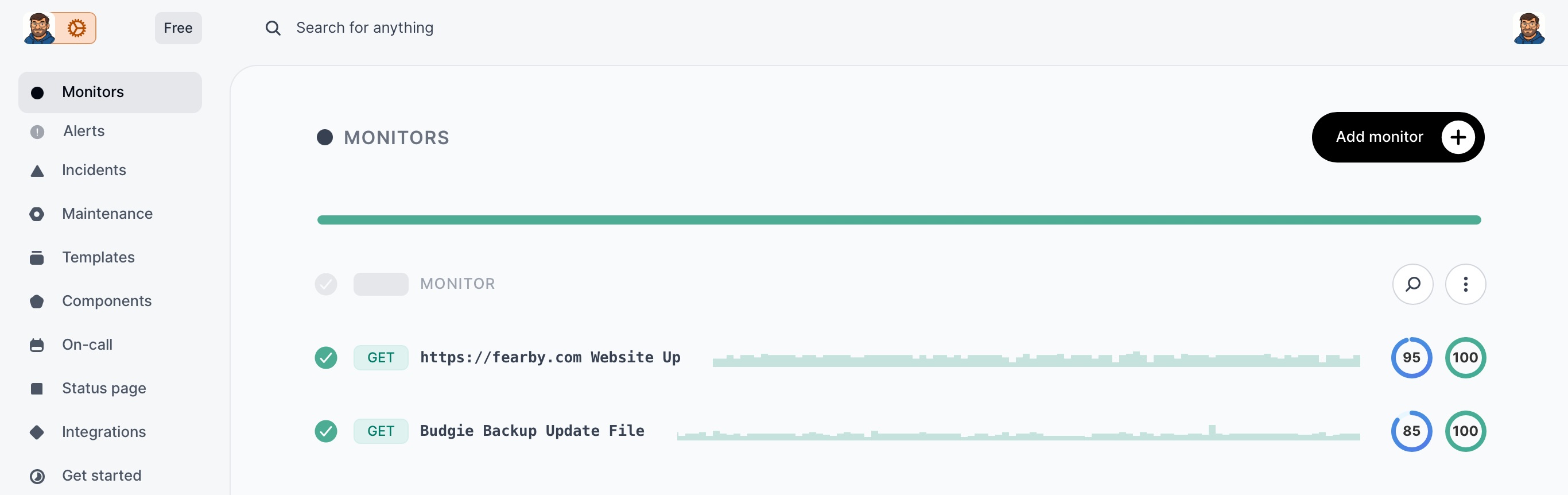
Add Monitors
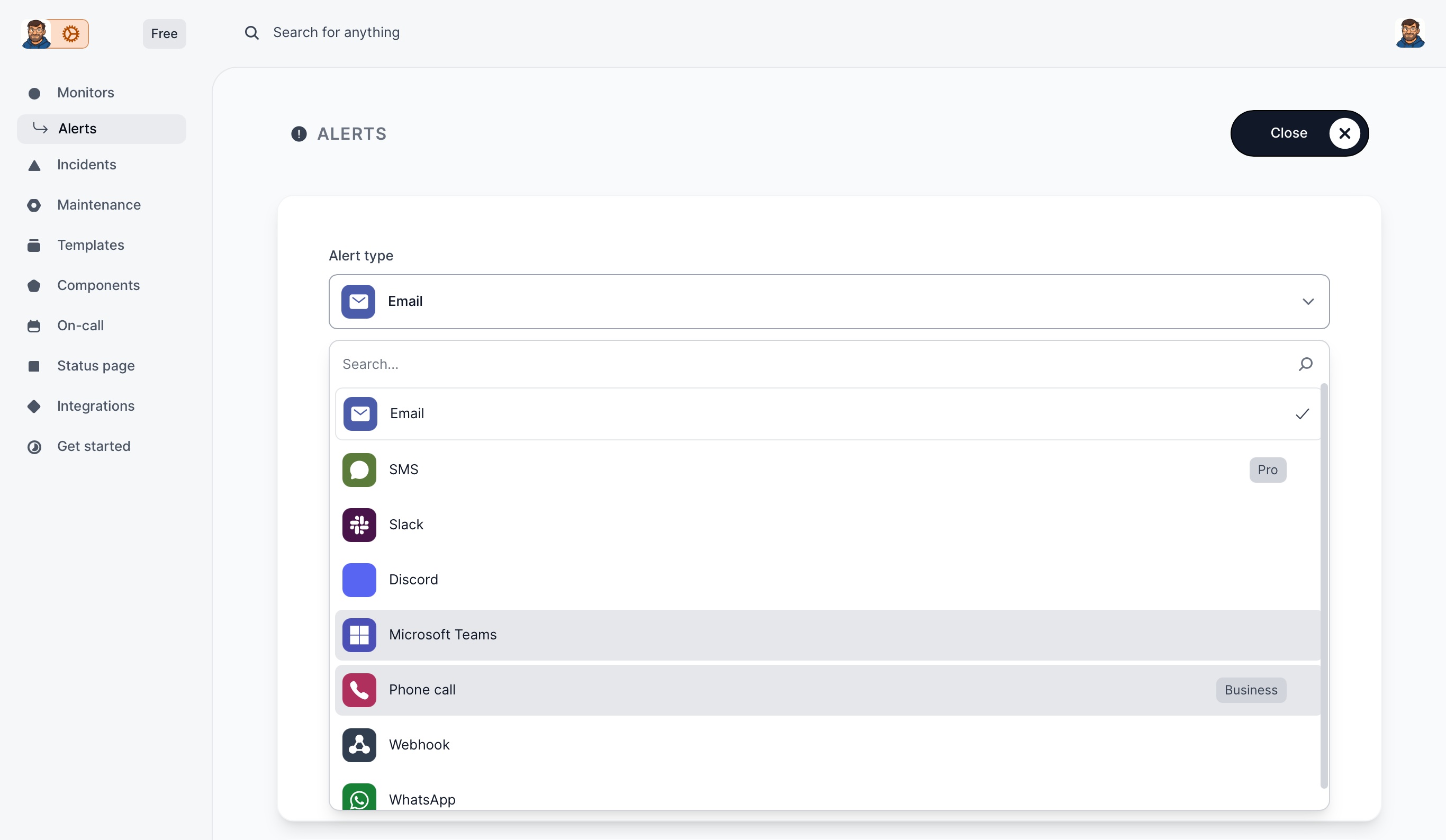
Configure Alerts
All Past Incidents are reported no nominated people, this includes defined third parties.
The Major incident was me testing, I renamed a file I was monitoring.
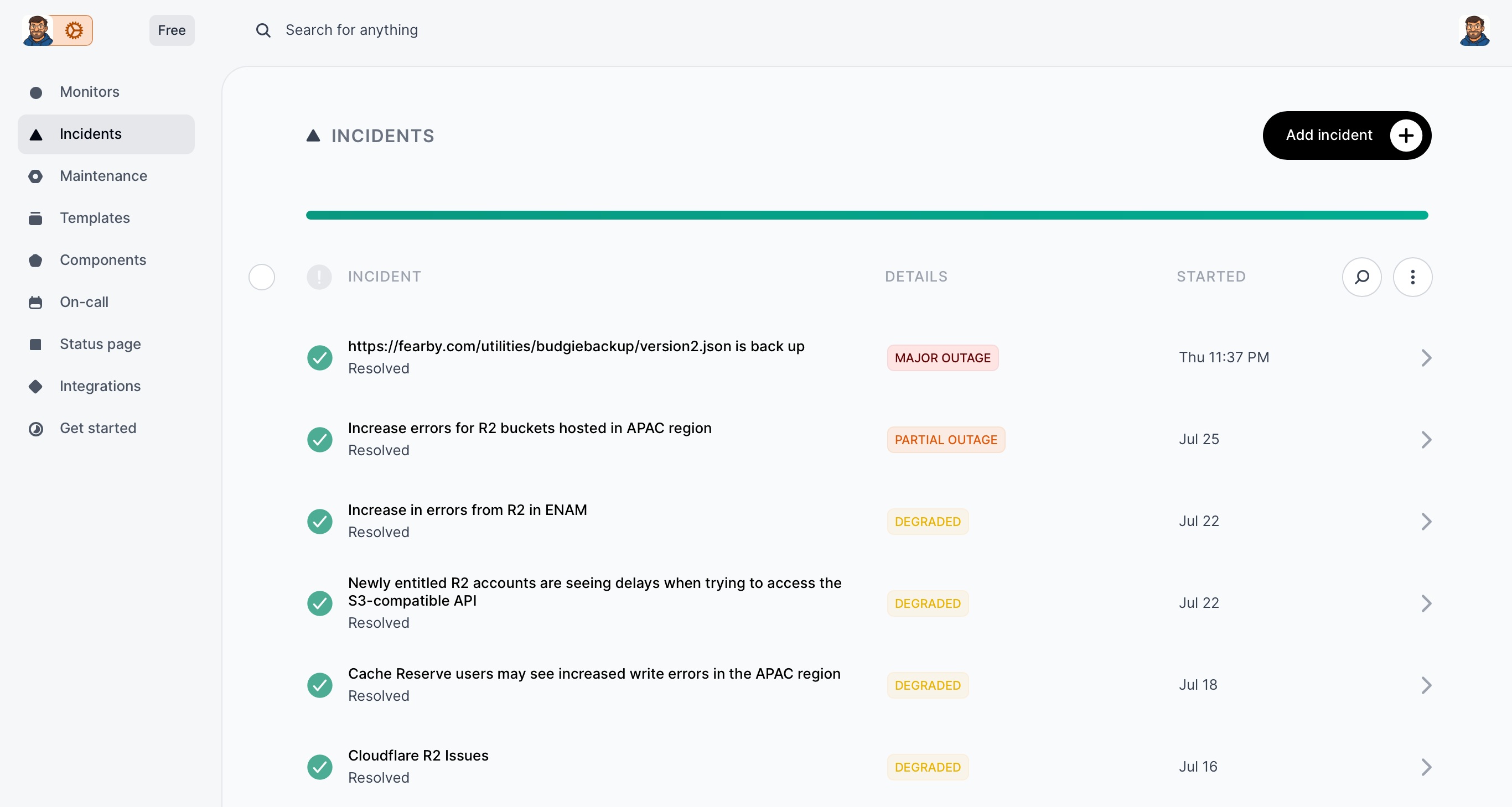
During the test incident I just moved the incident forward and all communications and page status updates to customers were automated for me by InStatus
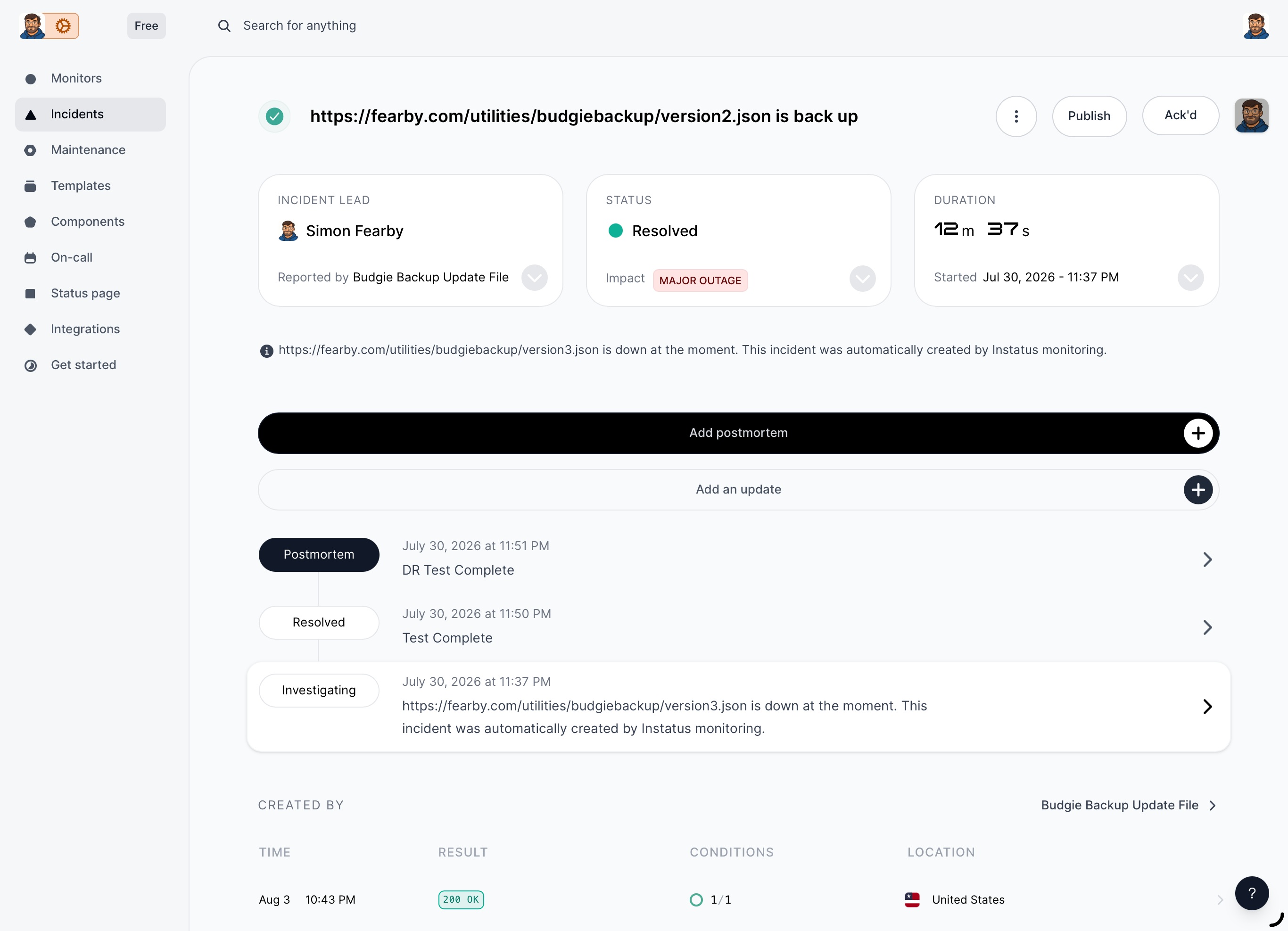
Any maintenance planned by me is listed in the dashboard alongside planned maintenance from defined third party vendors.
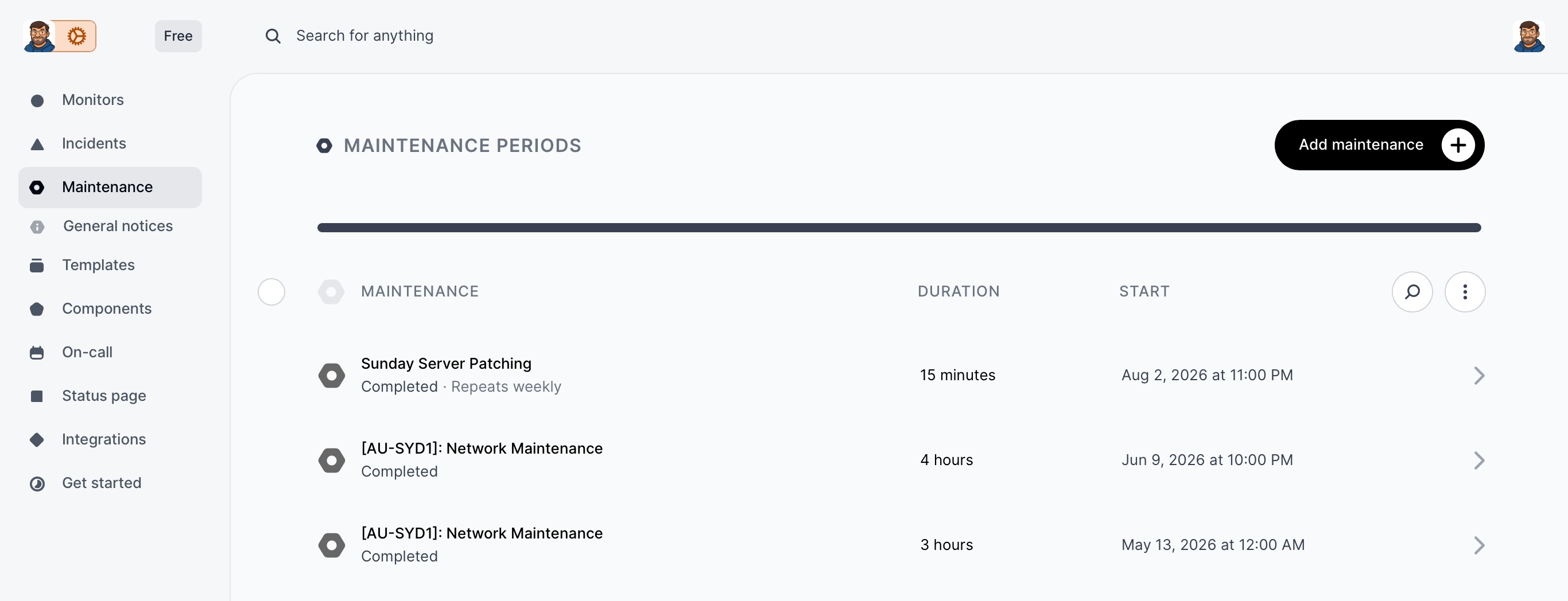
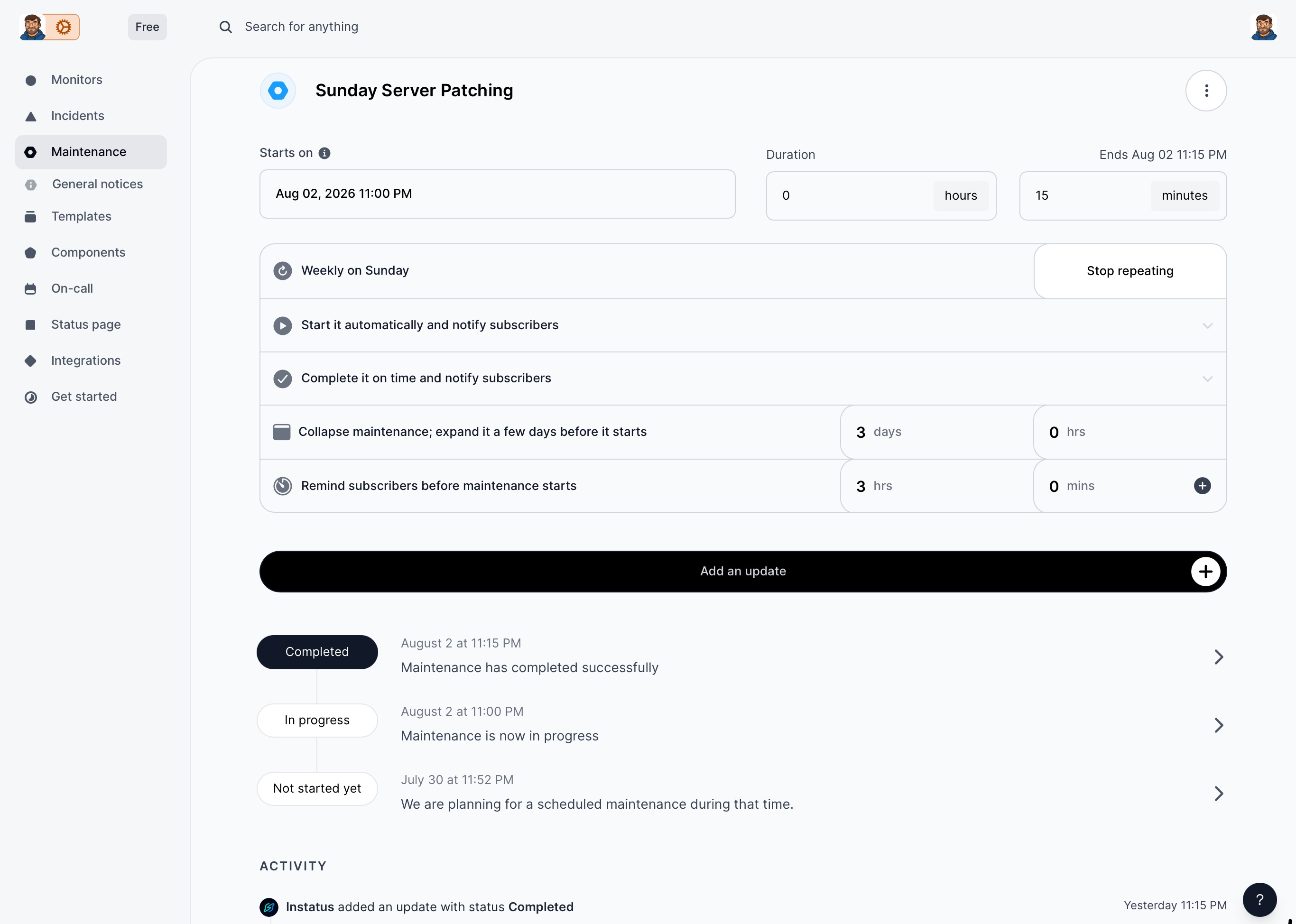
I defined my own reoccurring scheduled maintenance event.
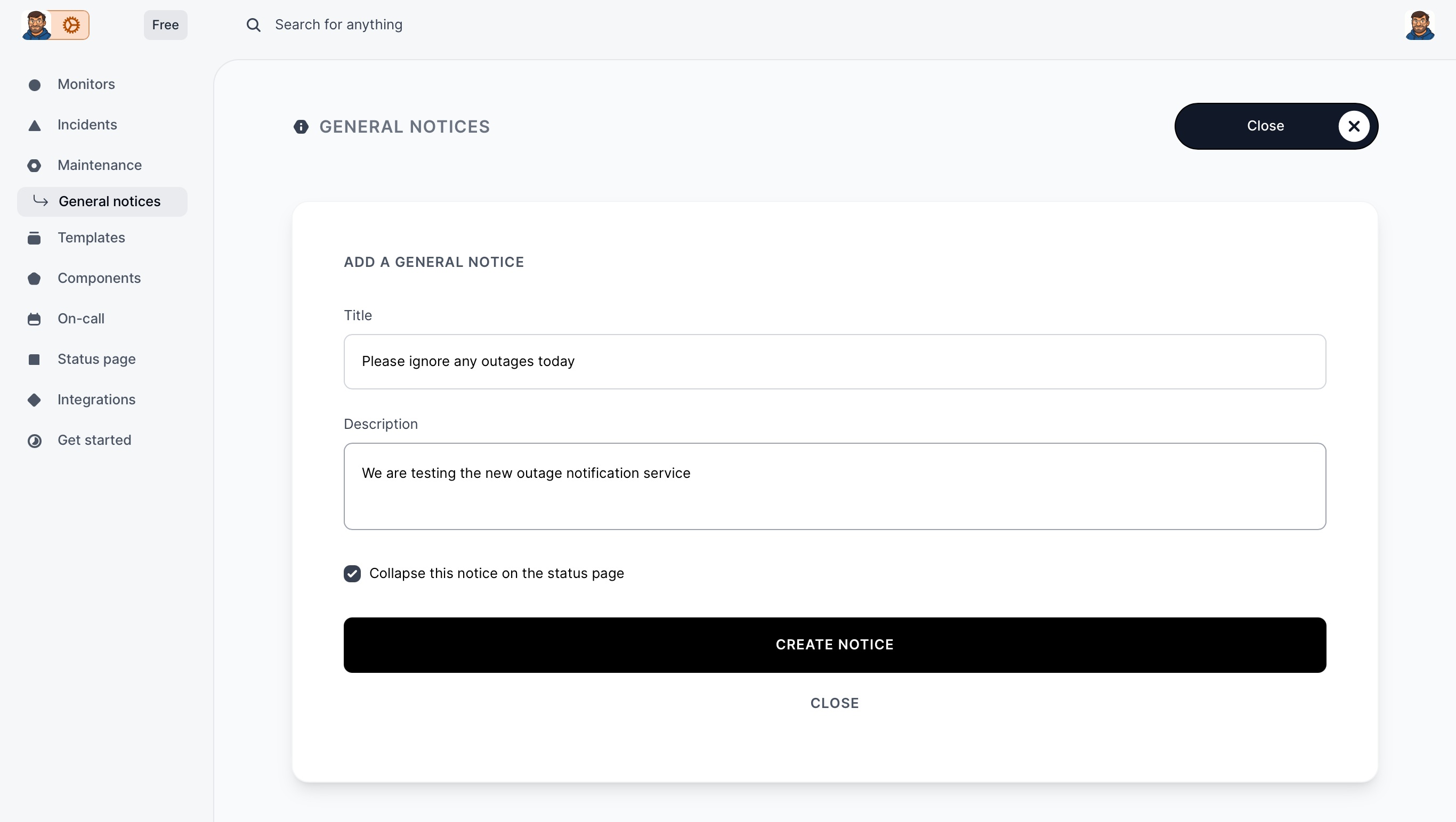
I created a test general notice to add to the webpage.
I added My Server Host and Cloudflare to monitor (Component). If they have issues it will appear on my status page.
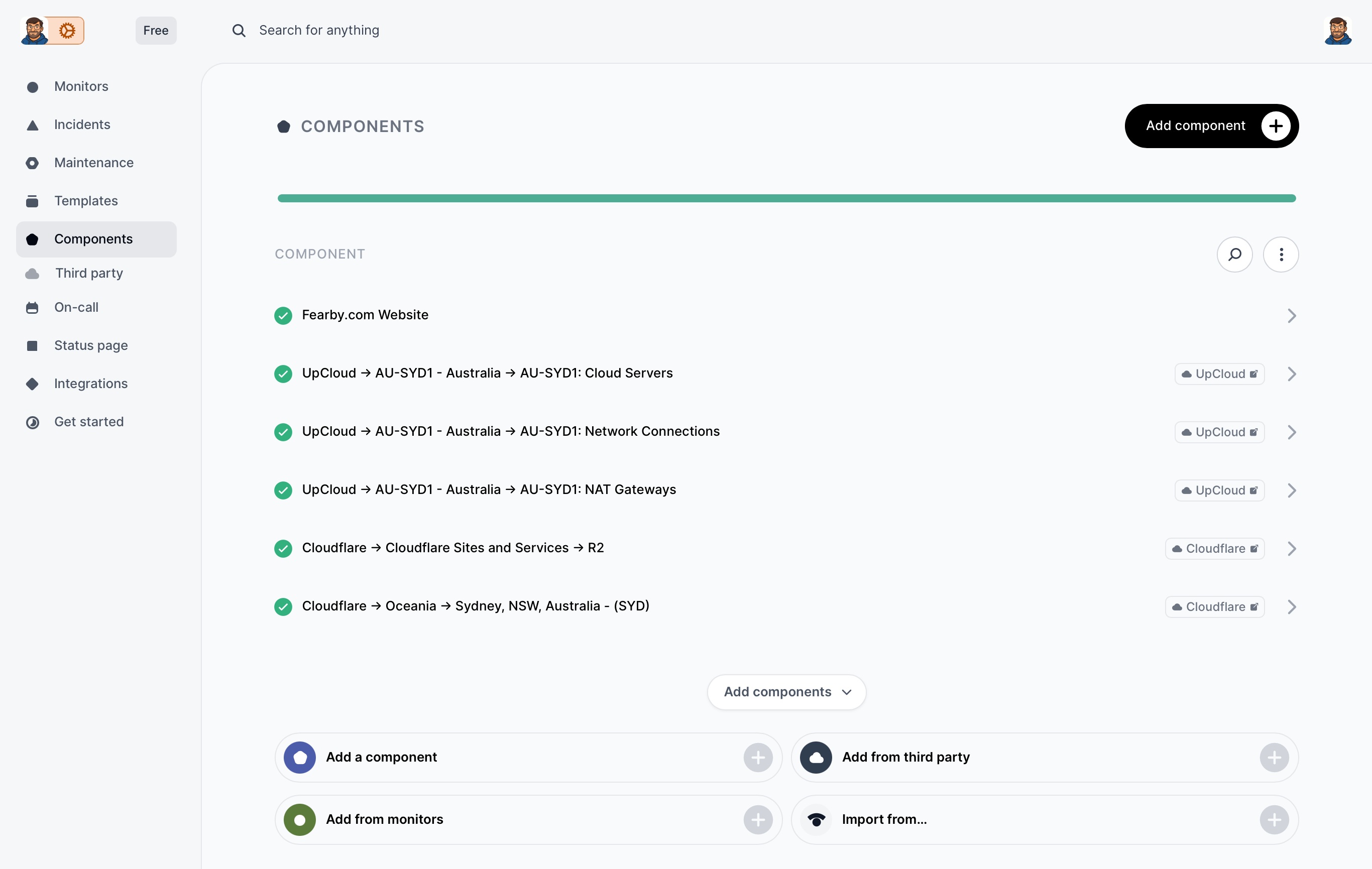
Read my review of UpCloud here if you are looking for a fast server host.
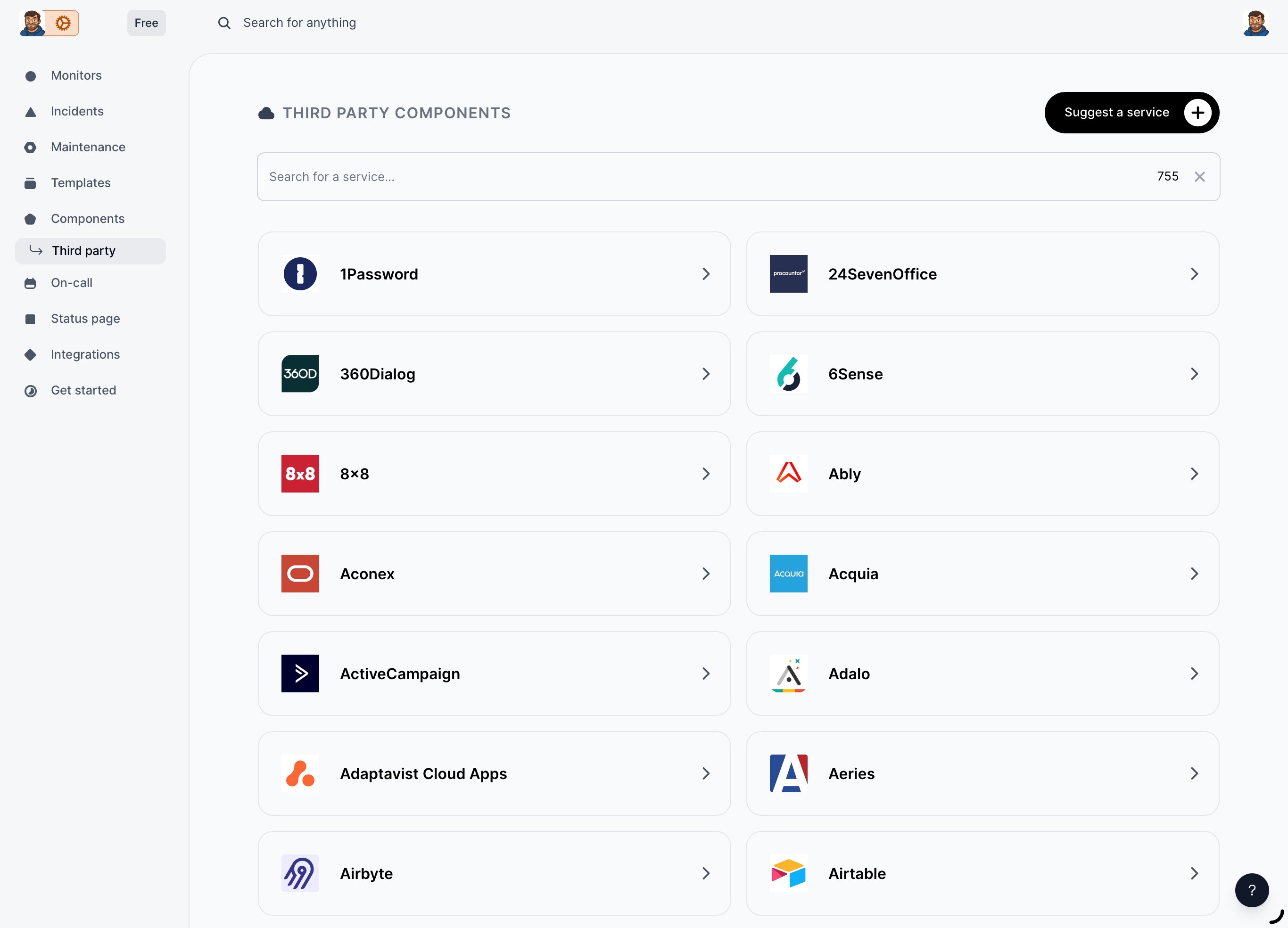
You can select from 755+ third parties.
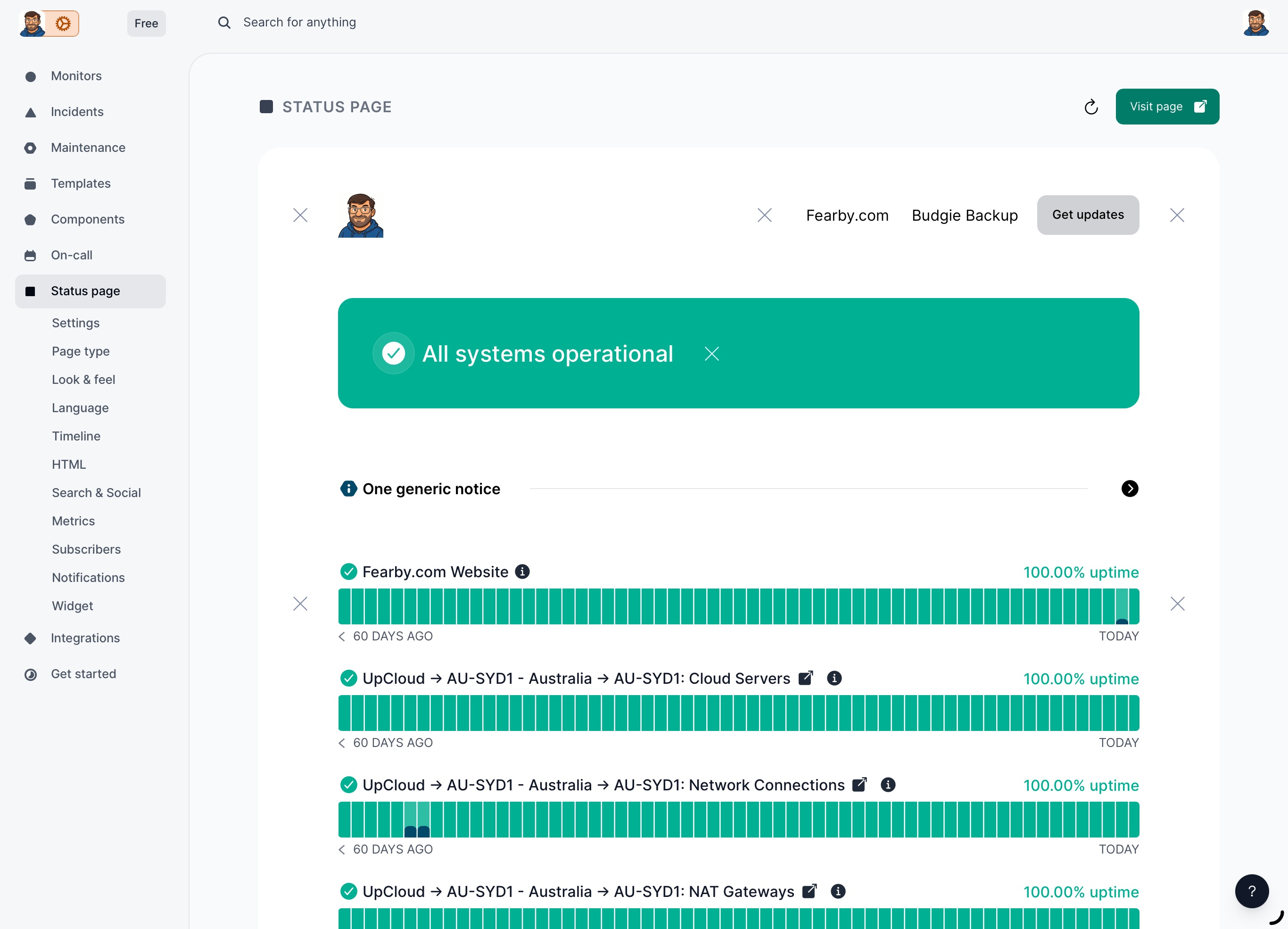
My status page was starting to look good
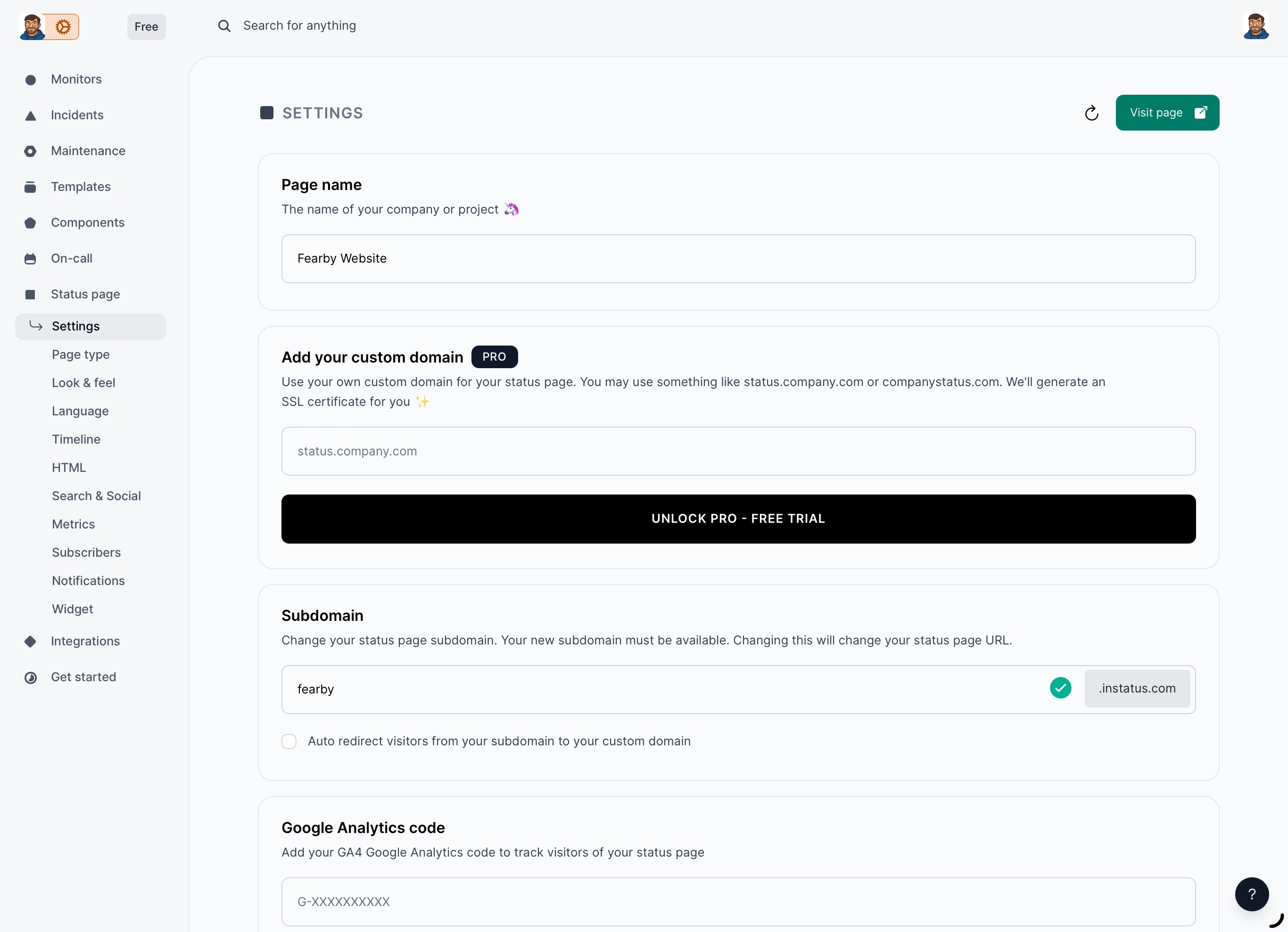
Sadly I could not link the status page to a sub domain without exiting the free tier
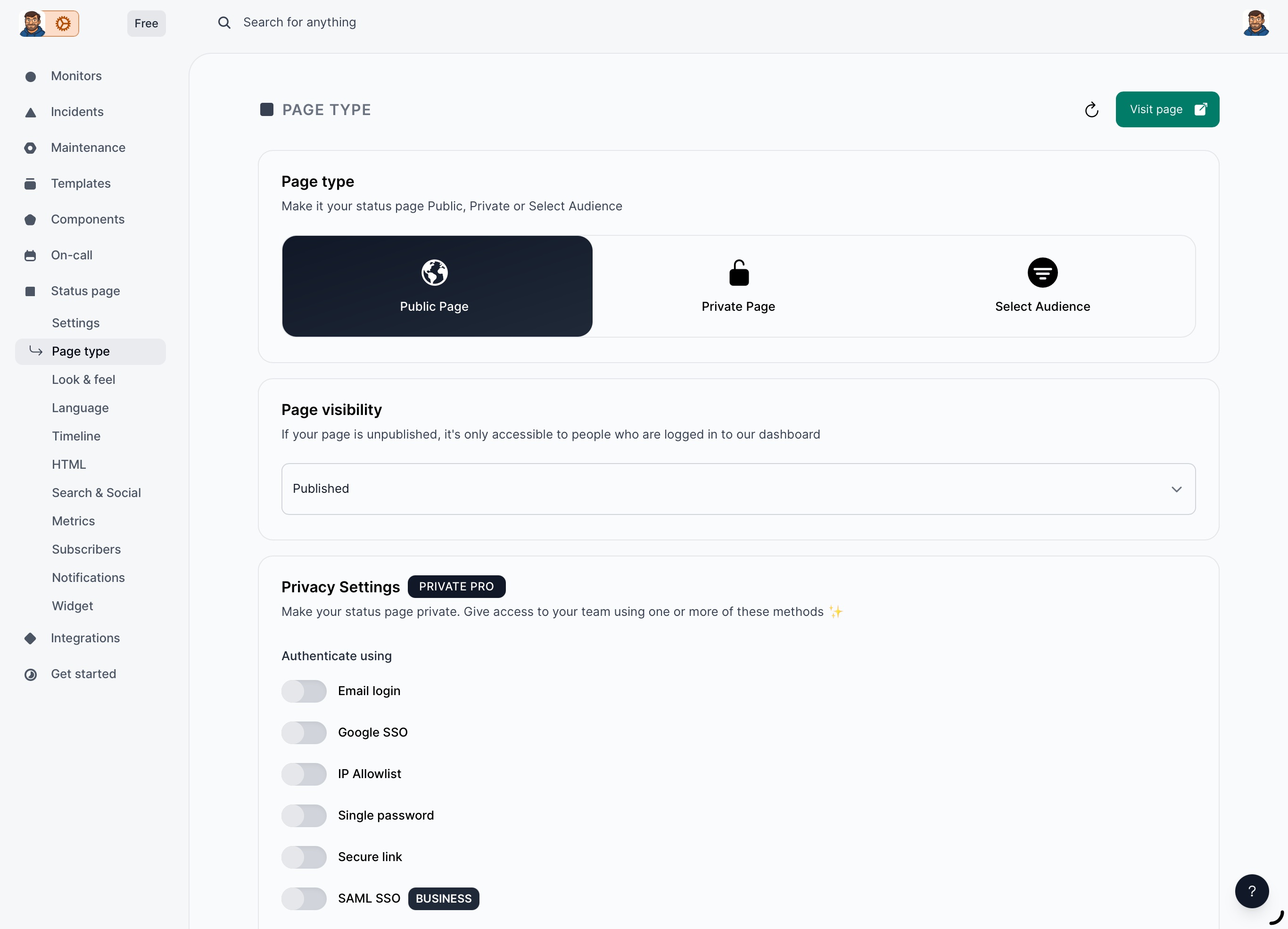
I can lock down access to the status page
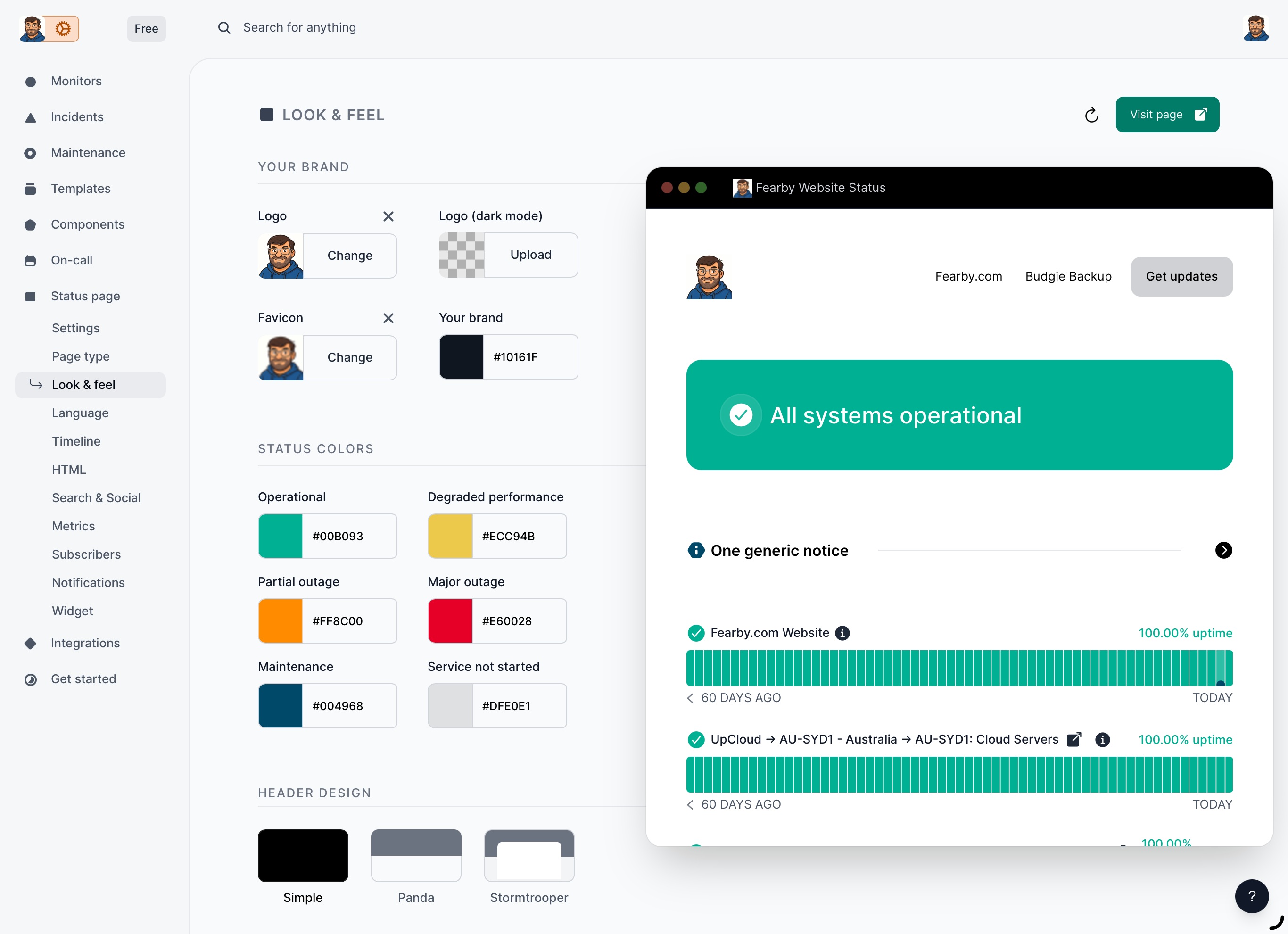
Branding and colours can be set
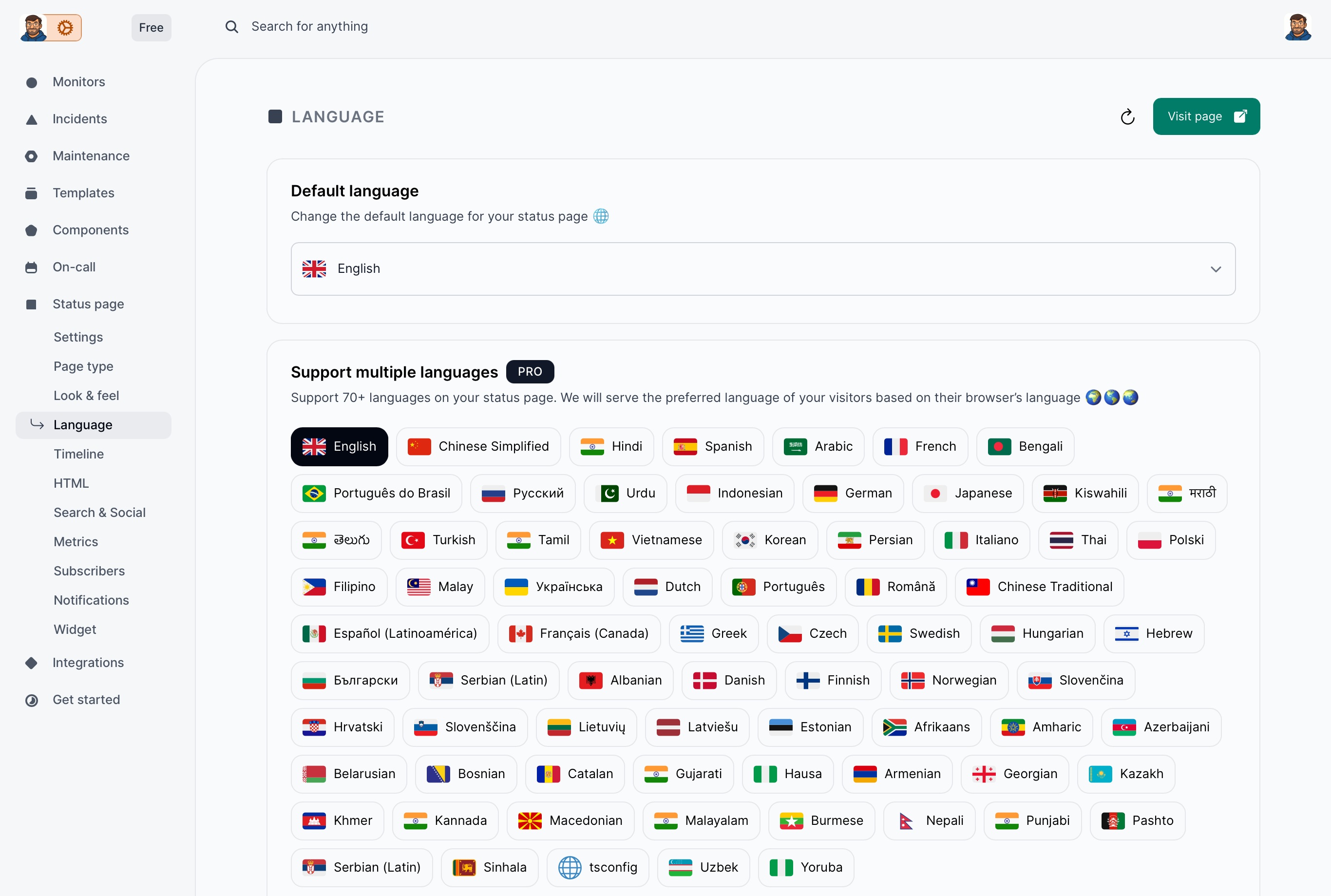
The language on the status page can be changed
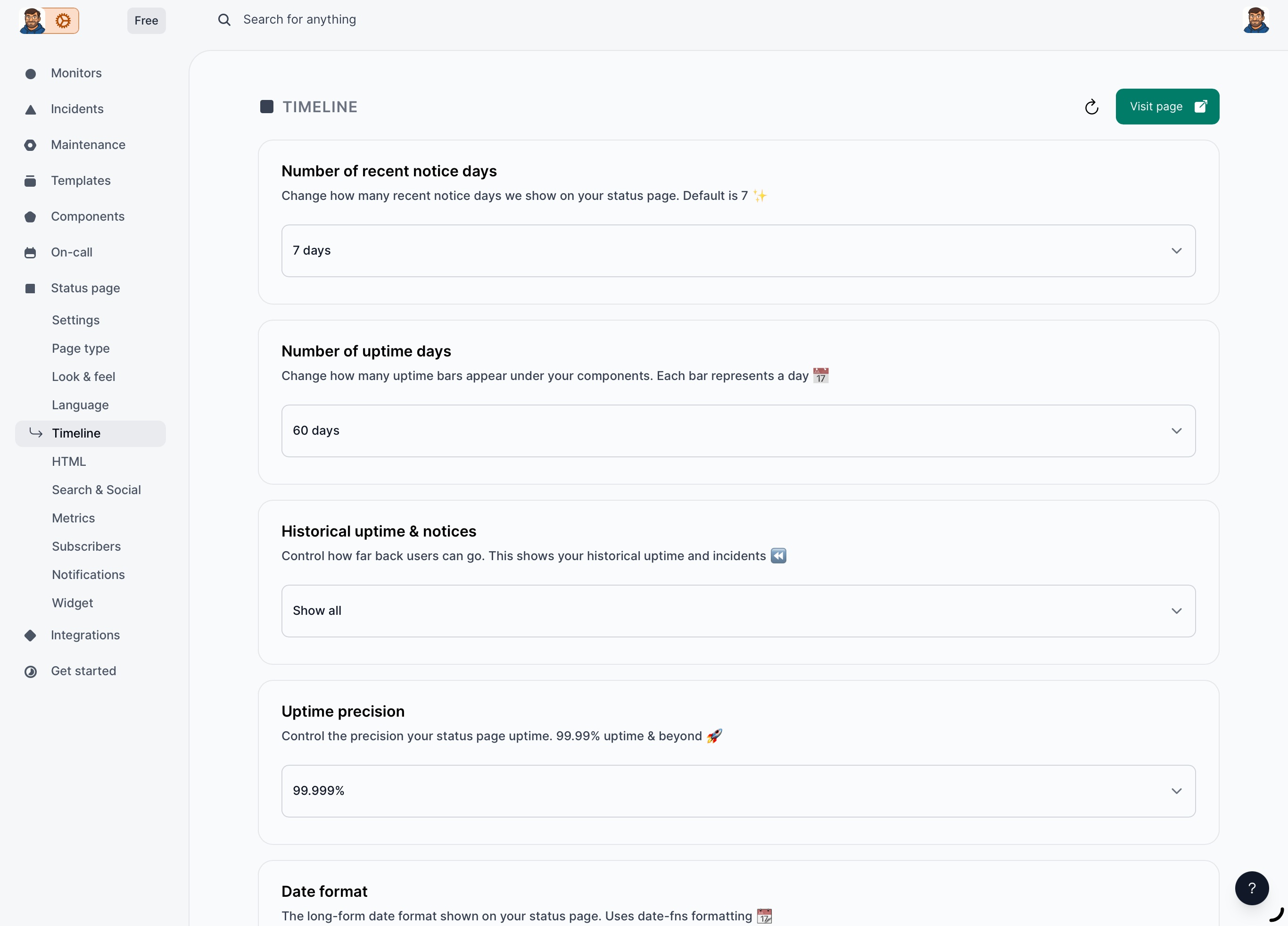
Event history can be set
You have total control over the html in the status page
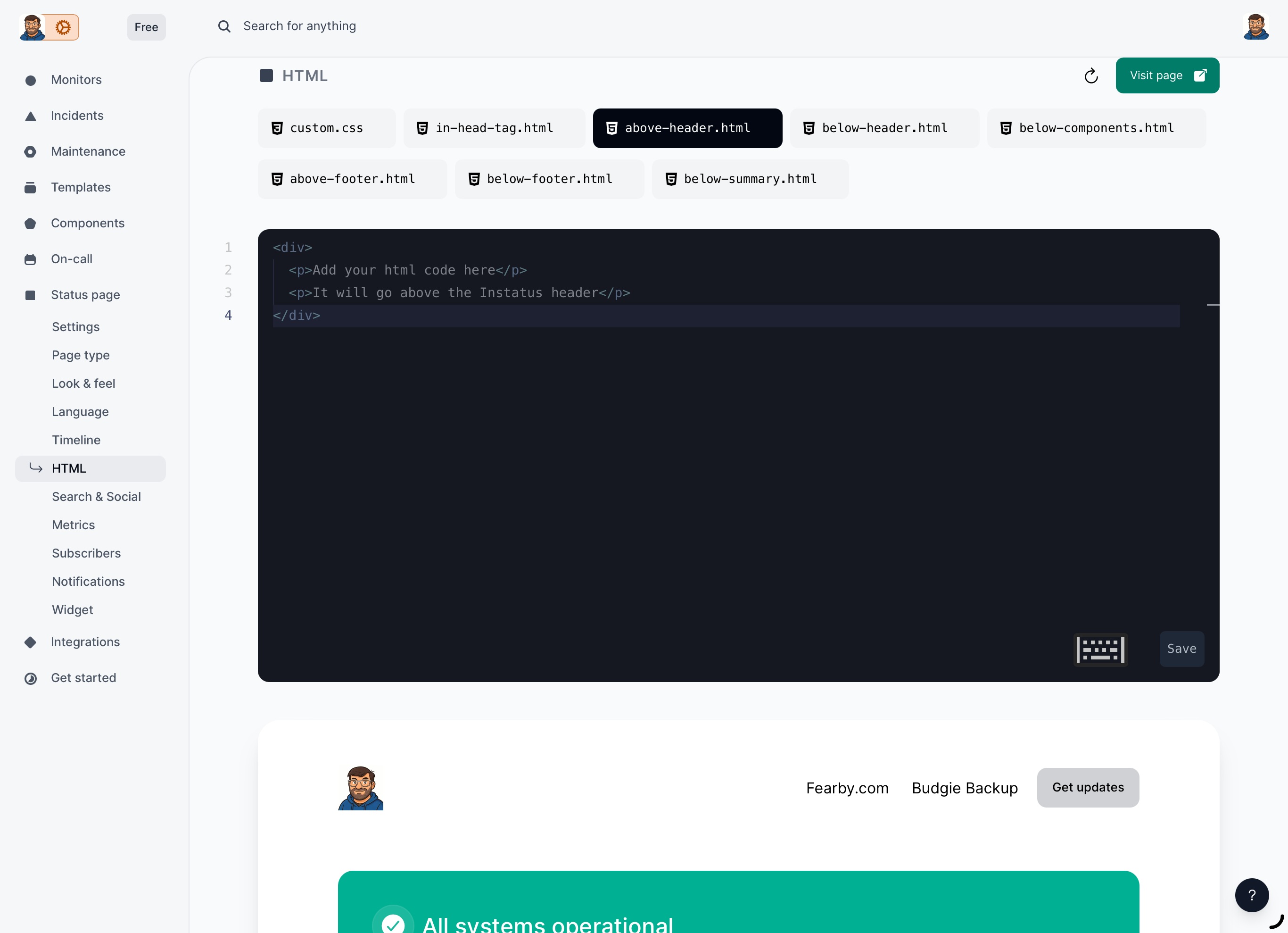
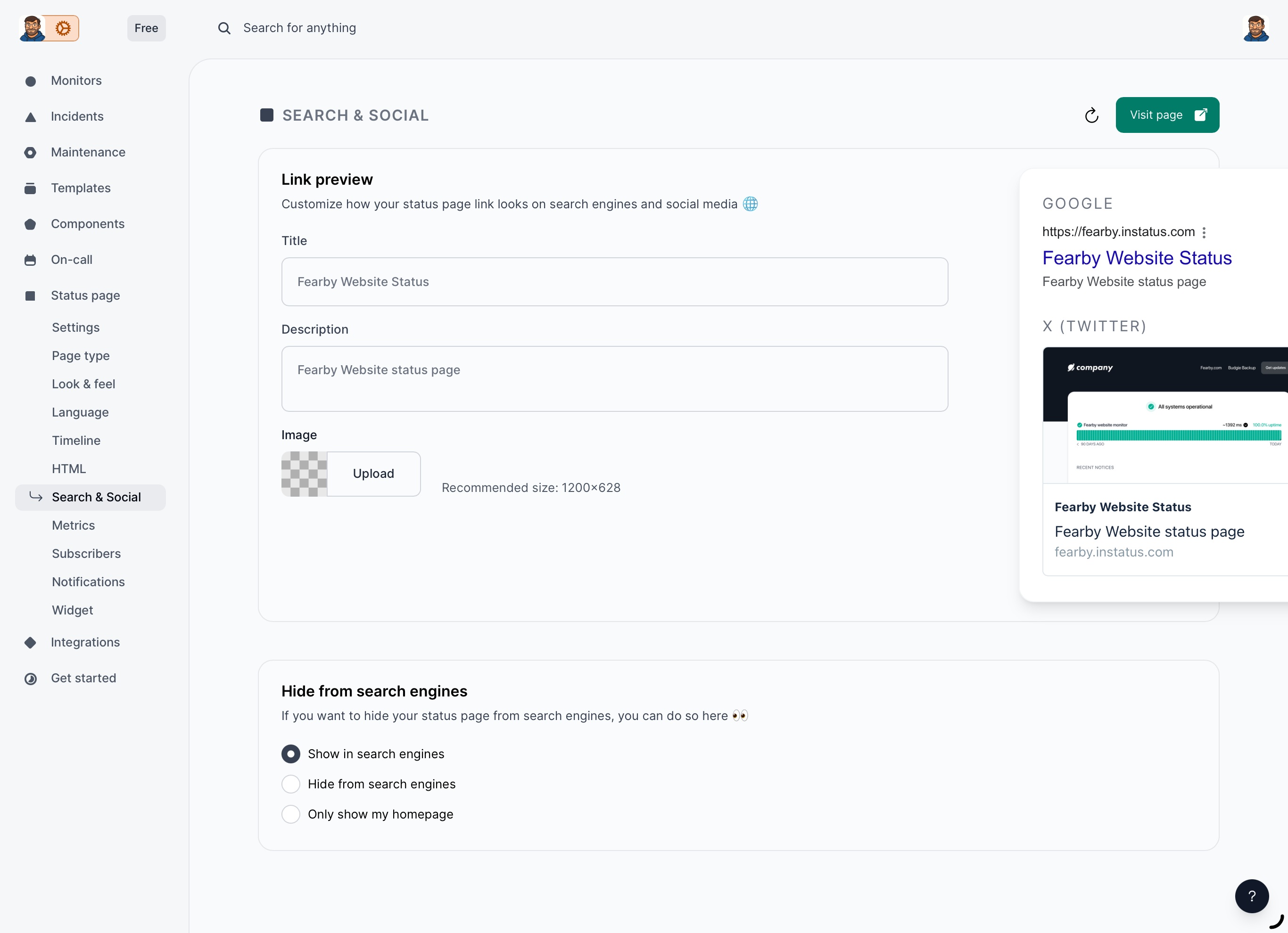
Define Social Media Status Cards
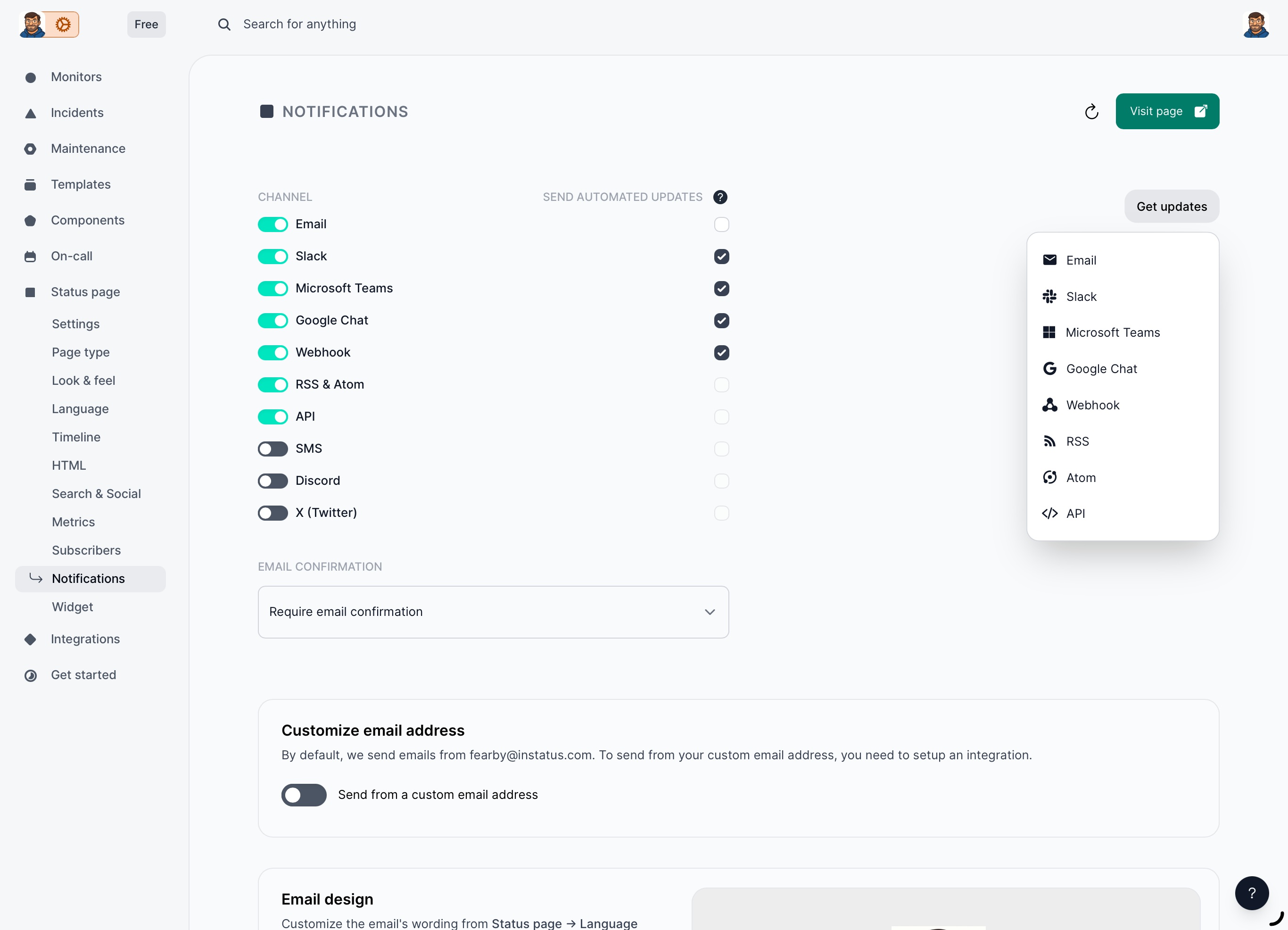
You have total control over the notifications
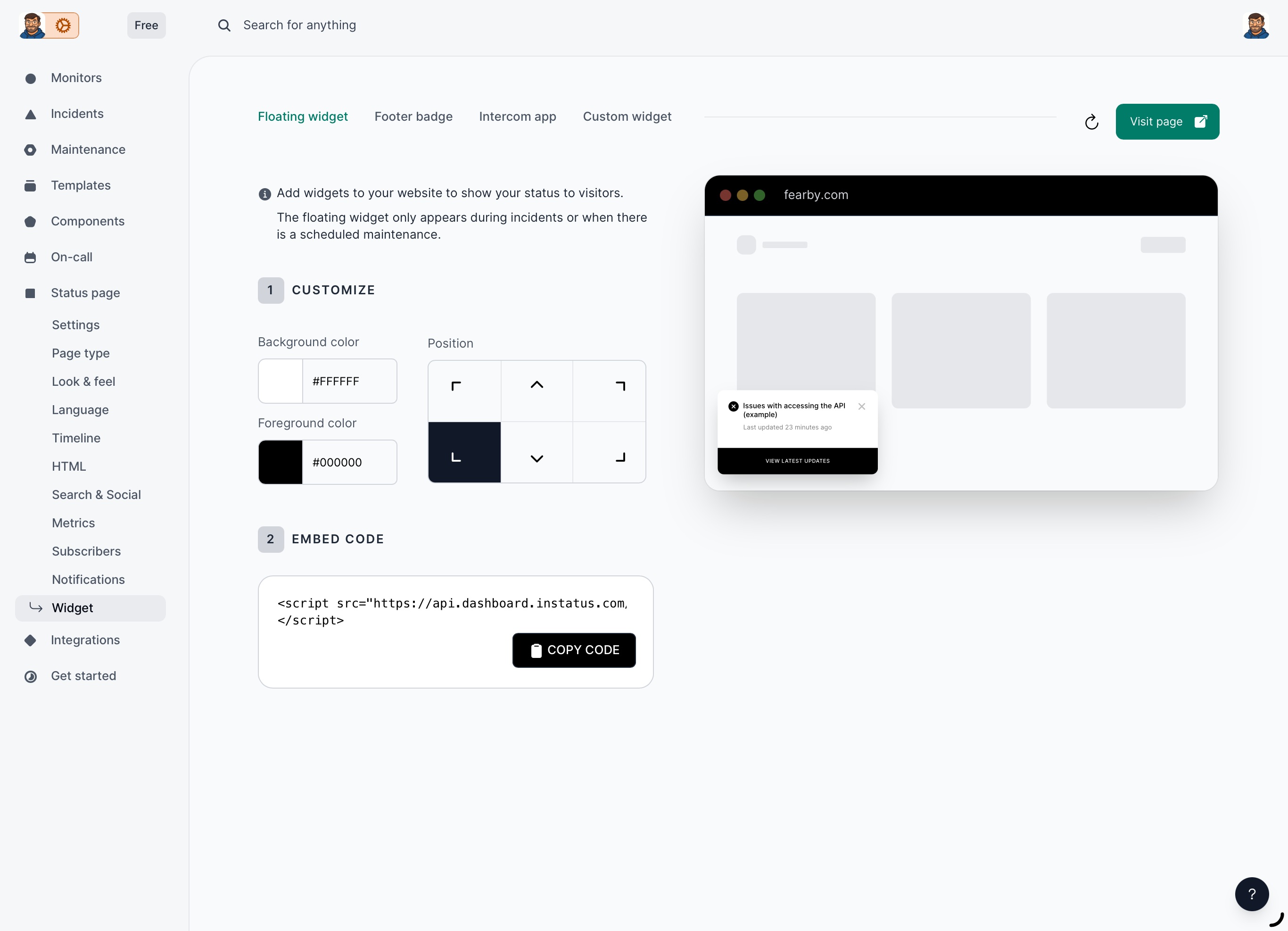
Add a dynamic widget to your website that auto appears before scheduled maintenance or when incidents happen
Create a Custom JSON file so you can GET statuses from the CLI or API
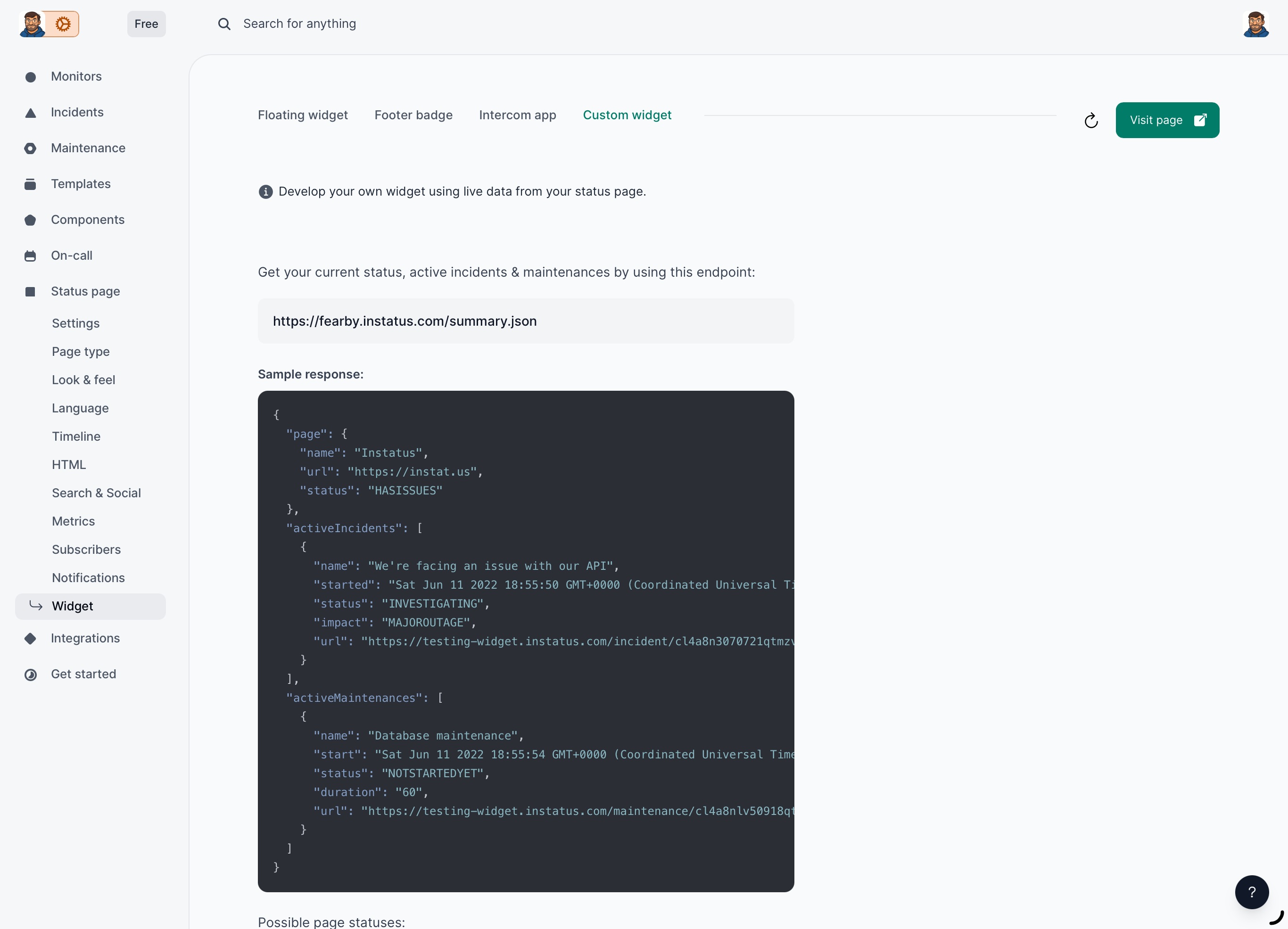
http://fearby.instatus.com/summary.json =
{"page":{"name":"Fearby Website","url":"https://fearby.instatus.com","status":"UP"}}
Did I mention this is all on the free tier?
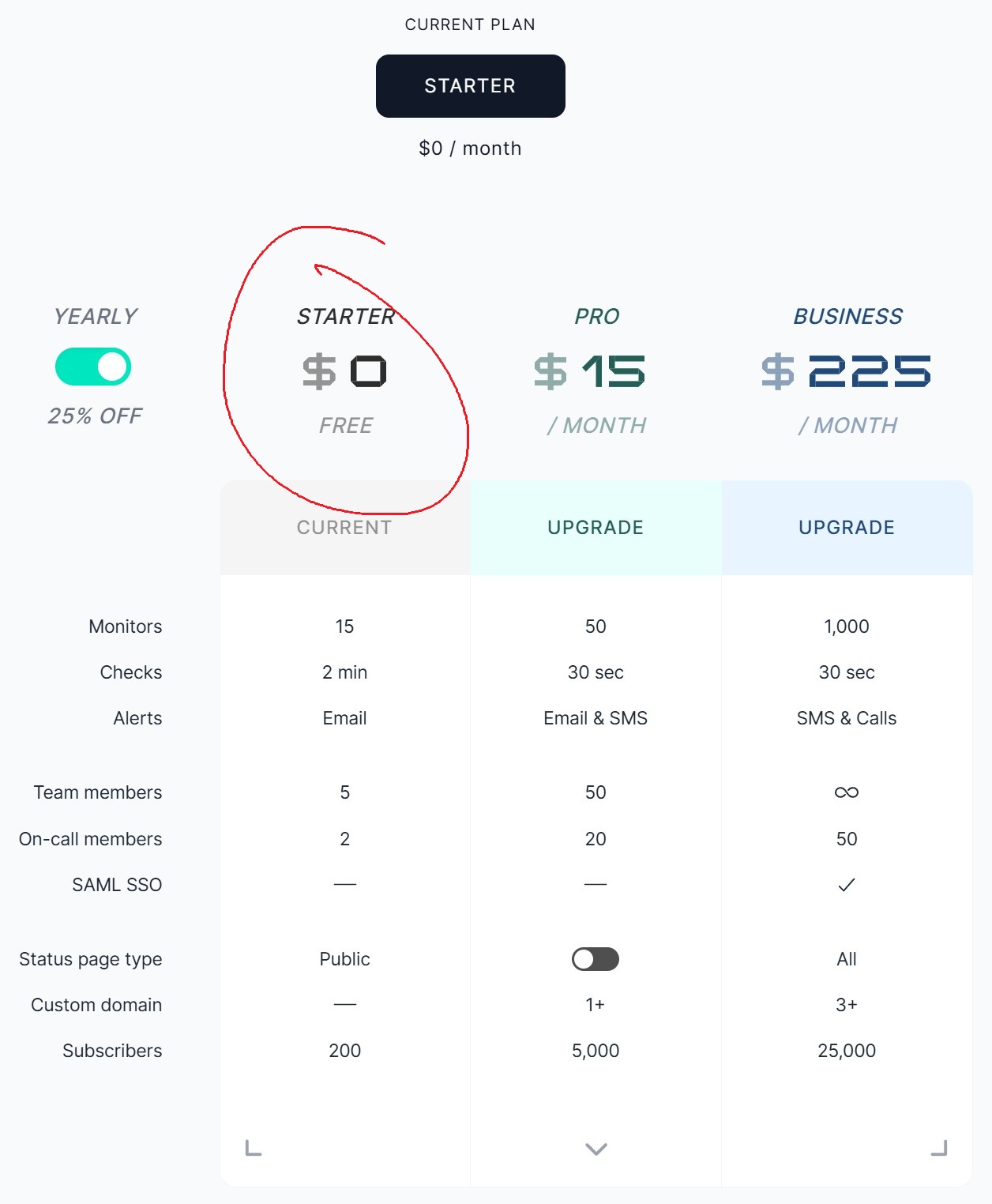
Check out my live InStatus Status page here https://fearby.instatus.com/
Conclusion
I would not have found the underlying problem if it was not for instatus.com chart of incidents. A few hours of data revealed the problem.
Before InStatus, I thought a few test after making repeated changes (DNS, Firewall Changes, Web Server Tweaking etc) was enough to solve my website reliability issue. I knew how data flows through the OSI Model and foolishly assumed one test at host, network or OSI Model layer was enough to prove piece of the puzzle.
I strongly recommend you get your own free InStatus page.
Thanks for reading
When I get a need to have a sub domain and more frequent polling I would happily upgrade my plan.
Now I need to buy a It Was DNS Shirt from Jeff Geerling after the DNS issue I never picked up.
v1